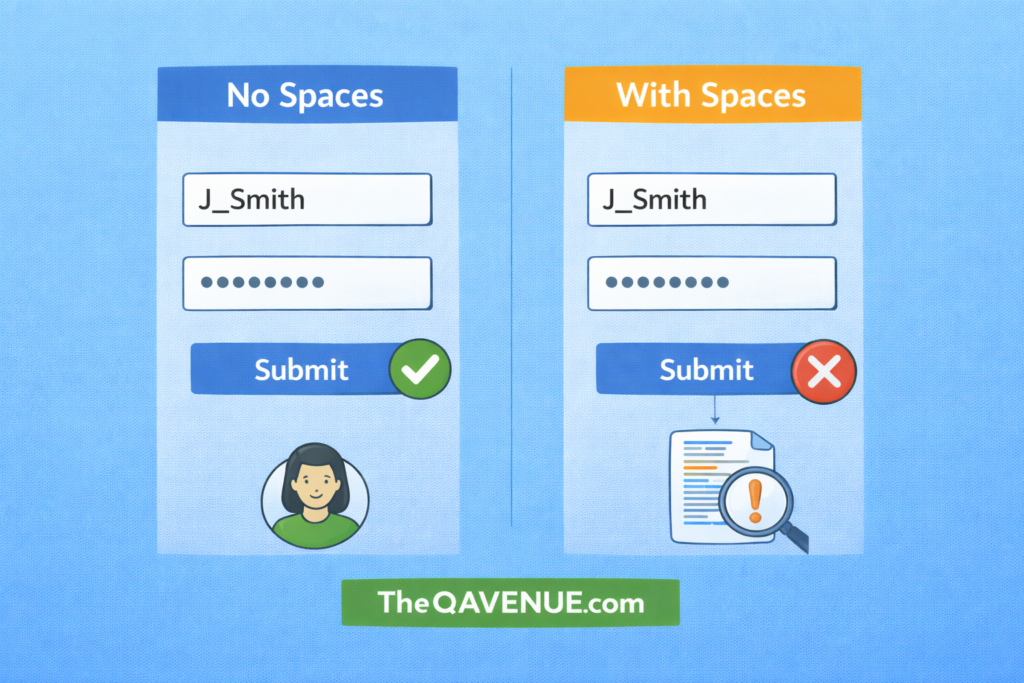
Input fields may appear valid, but sometimes spaces alone can bypass validations or cause unexpected behavior.
Why it matters:
Users may enter spaces instead of real data, or copy-paste values with extra spaces.
This can lead to:
- Forms being submitted with “empty” data
- Database storing incorrect or misleading values
- Workflow errors or crashes
How to test:
- Enter only spaces in required fields.
- Combine spaces with valid input to see if the system trims or accepts them.
- Try spaces in username, password, or checkout fields.
- Check error messages and whether submission is allowed.
Real Example:
A checkout form requires a “First Name” field. A tester types only spaces, and the form is accepted. The system stores an empty-looking value in the database, allowing the checkout to complete.
Pro Tip:
Always check how the system handles spaces. they can break validations and create hidden bugs.