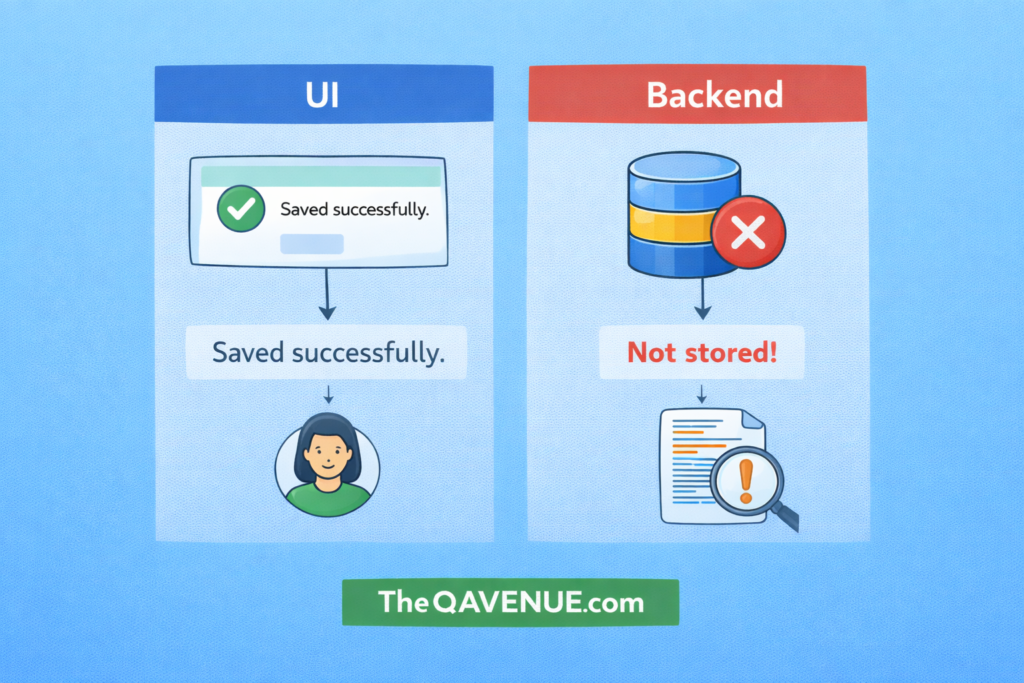
Sometimes the message shown in the UI does not reflect what is actually happening in the system.
Why it matters:
If UI messages don’t match the backend behavior, users may receive misleading information.
This can lead to:
- Confusing user experiences.
- Hidden system errors.
- Incorrect assumptions about system status.
How to test:
- Compare UI messages with backend responses or logs.
- Check network responses using browser developer tools.
- Verify if success or error messages match the actual system behavior.
- Test scenarios where the backend fails but the UI still shows success.
Real Example:
A user submits a form and the UI shows “Saved successfully.”
However, the backend request fails and the data is not stored in the database. This creates a mismatch between what the user sees and what actually happened.
Pro Tip:
Always verify that UI feedback accurately reflects backend results, especially in forms, transactions, and data updates.