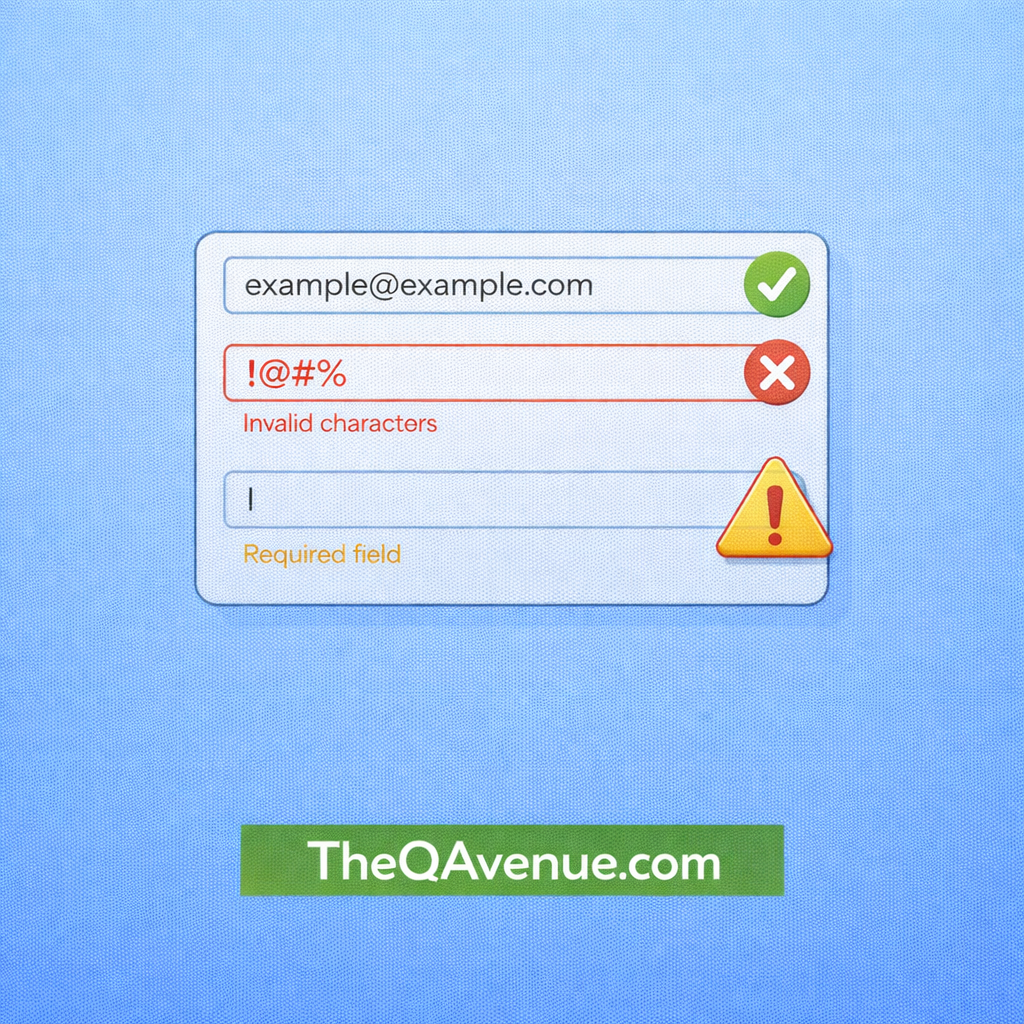
Input validation ensures that the system only accepts correct and safe data.
Why it matters:
Weak validation can allow incorrect or unexpected data into the system.
This may lead to:
- Data corruption
- Application errors
- Security vulnerabilities
How to test:
- Enter invalid data in input fields.
- Try special characters such as
!@#$%. - Leave mandatory fields empty.
- Test boundary values like very long text or numbers outside the allowed range.
- Verify that clear and helpful error messages are displayed.
Real Example:
A registration form accepts a phone number field. Instead of numbers, a tester enters letters or special characters, and the system still accepts the input. This indicates that input validation is not properly implemented.
Pro Tip:
Always test forms with invalid, unexpected, and boundary inputs to ensure the system handles data correctly.