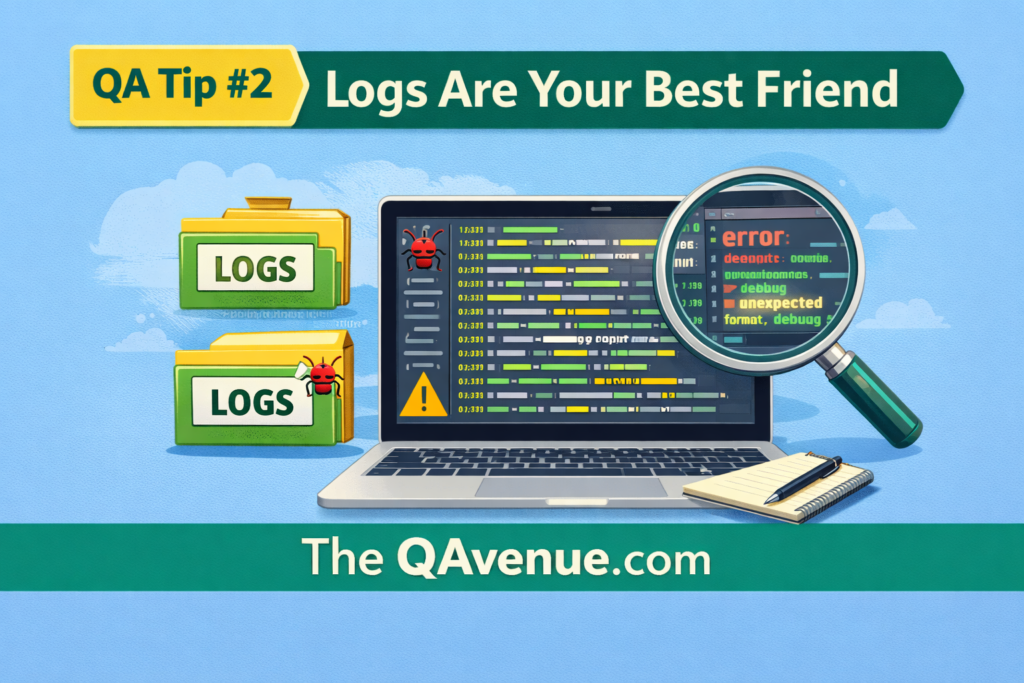
Bugs aren’t always visible on the screen. Logs give you insight into what’s happening behind the scenes making debugging and verification much faster.
Why it matters:
- Logs reveal hidden issues, errors, or unexpected app behavior.
- They help you reproduce problems reliably.
- They allow you to compare app behavior with backend data.
How to test:
- Check browser console logs for errors during UI testing.
- For backend or demo apps, inspect server logs if available.
- Compare logs before and after actions to identify anomalies.
- Take note of timestamps, error messages, and user actions.
Real Example (Mobile App):
While testing a mobile app login:
- A user enters credentials.
- The app shows “User incorrect.”
By checking the backend logs or test database, you can see whether:
- The username exists
- The password is correct or hashed
- The account is active, locked, or disabled
This shows that even when the app message seems simple, logs (or DB entries in a safe test environment) reveal the true state of the system.
Pro Tip:
Always check logs and backend responses . They are your “invisible map” to catch issues that the UI doesn’t reveal.