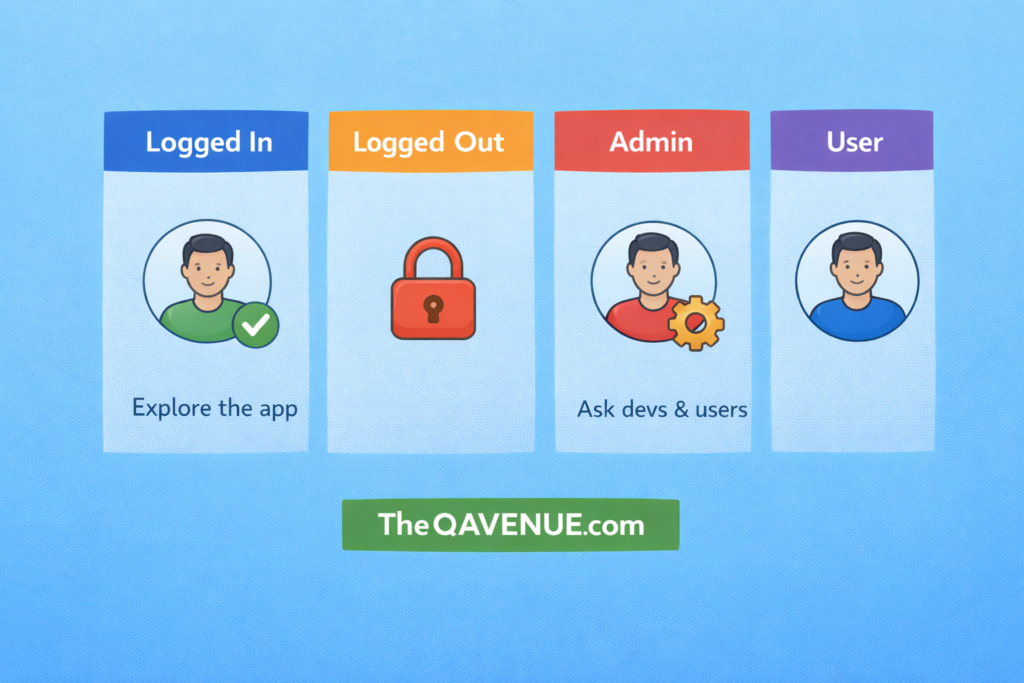
Many bugs only appear when the user’s state changes and testing with just one role or session hides a lot of issues.
Why it matters:
- Different roles unlock different screens and permissions.
- Logged-in vs logged-out users often trigger different navigation flows.
- Session transitions expose bugs in caching, security, and access control.
How to test:
- Log in → log out → log in again
- Check if the app resets properly or keeps leftover data.
- Switch between user roles (regular user → admin → guest)
- Ensure restricted pages are really restricted.
- Test expired sessions
- Leave the app open, return later, and verify behaviour.
- Try actions with no session.
- Access a “protected” screen without logging in and confirm it redirects correctly.
Real Example:
In some apps, an admin logs out and a normal user logs in, but the app still shows admin features because the role wasn’t refreshed correctly. This is a common access-control bug and you only find it when you test multiple user states.
Pro Tip:
If you only test one user state, you’re only testing half the app.